
1. Click on “Help”
- While you are logged in to DiscoveryEZ, look at the left side menu.
- Click the “Help” button.

2. Fill out the contact form
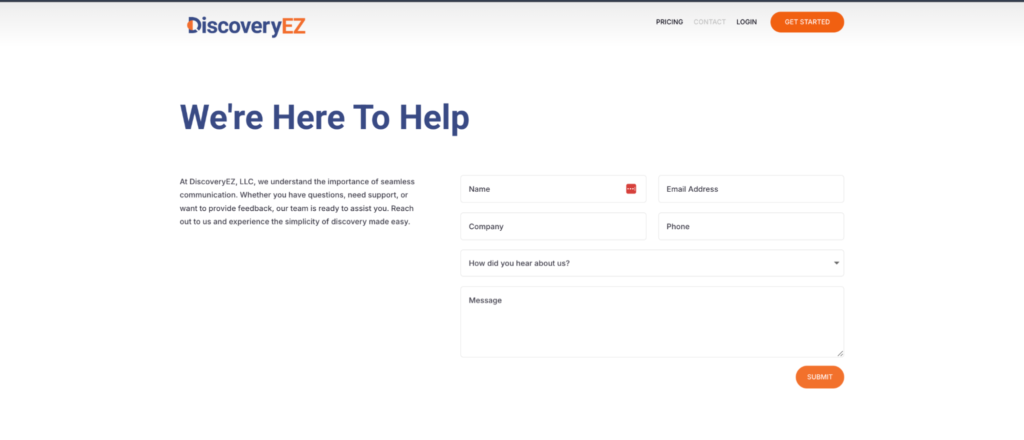
- You will be directed to the contact form page.
- Enter your Name, Email Address, Company (optional), Phone, and how you heard about us.
- In the Message box, type the help or support you need.
3. Submit your request
- Click the “Submit” button at the bottom of the form.
The DiscoveryEZ Support Team will review your message and reach out to you using the contact details you provided.