
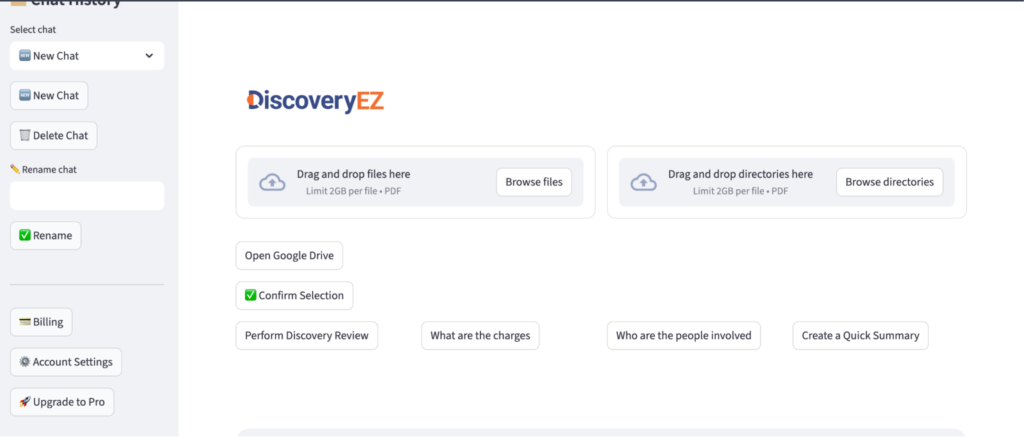
Go to Billing
- Log in to your DiscoveryEZ account.
- On the left side menu, click “Billing.”
Open Payment Method Settings
Click “Update Payment Method” or “Manage Subscription” ).

Add a New Payment Method
- Click the “+” button or “Add payment method.”
Enter Your Card Details
- Type in your card number, expiry date, CVC, and any other required details.
Save the Payment Method
Click “Add” or “Save” to store your new payment method.