How to Purchase a Subscription Plan
Go to the DiscoveryEZ Home Page
- Open the DiscoveryEZ website.
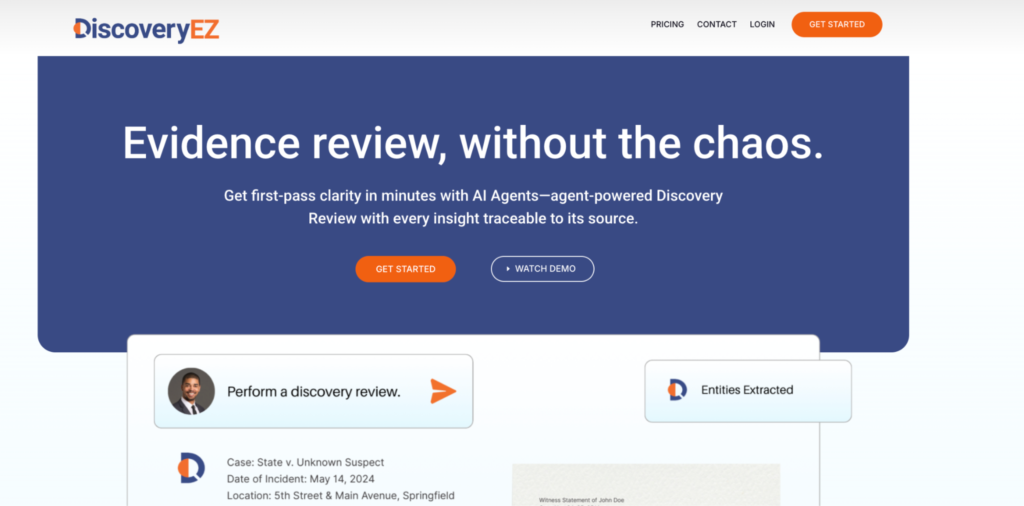
Open the Pricing Page
- In the top right corner, click “Pricing.”
- You will be taken to the subscription plans page.
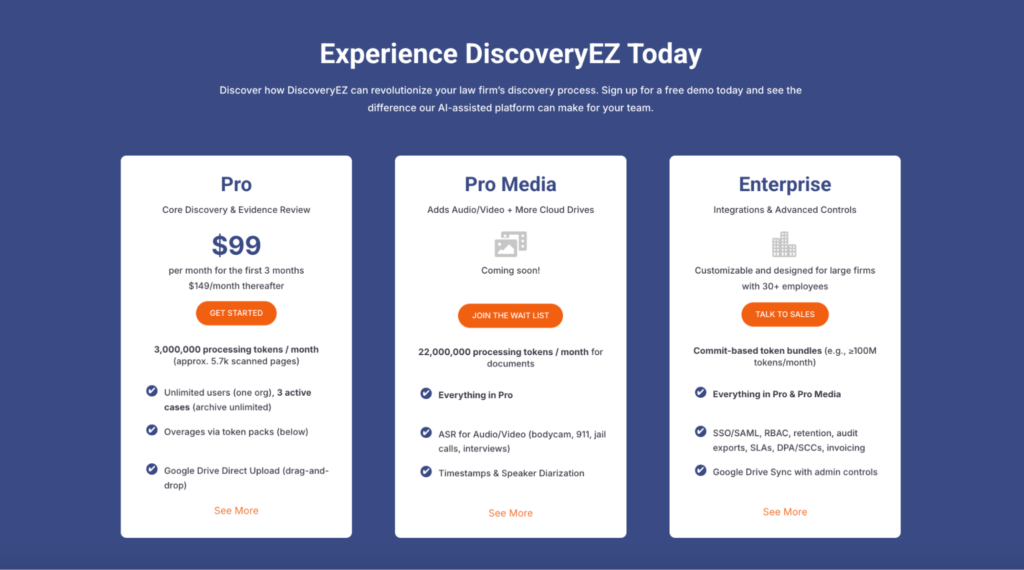
Review the Plans
- You will see three plans: Pro, Pro Media, and Enterprise.
- Click “See More” under each plan to read the details and pick what fits your needs.
If You Choose the Pro Plan
- Click “Get Started.”
- Follow the checkout steps to enter your billing details and payment.
- Once finished, your Pro subscription starts immediately.
If You Choose Pro Media or Enterprise
- Click “Join the Wait List” (Pro Media) or “Talk to Sales” (Enterprise).
- Fill out the contact form with your information.
- Submit the form so the DiscoveryEZ sales team can contact you.
- Our team will help you with tailor-made solutions for your firm.