
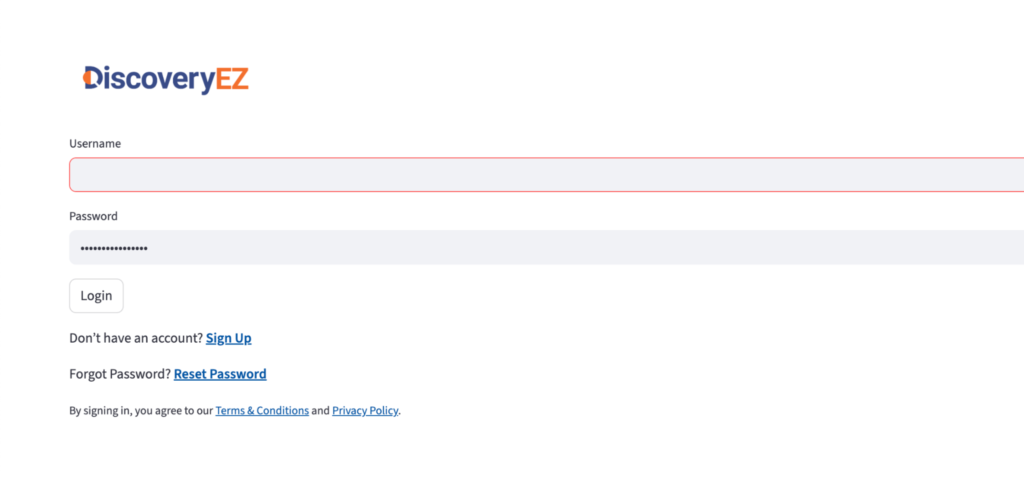
1. Log in to DiscoveryEZ
- Open DiscoveryEZ.
- Enter your email and password.
- Click Login.
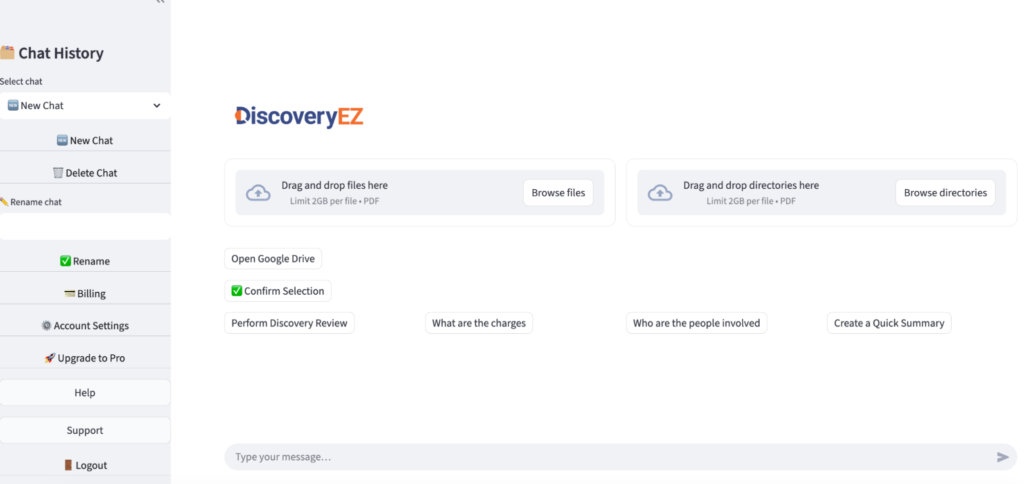
2. Go to Billing
- On the left side menu, click Billing.
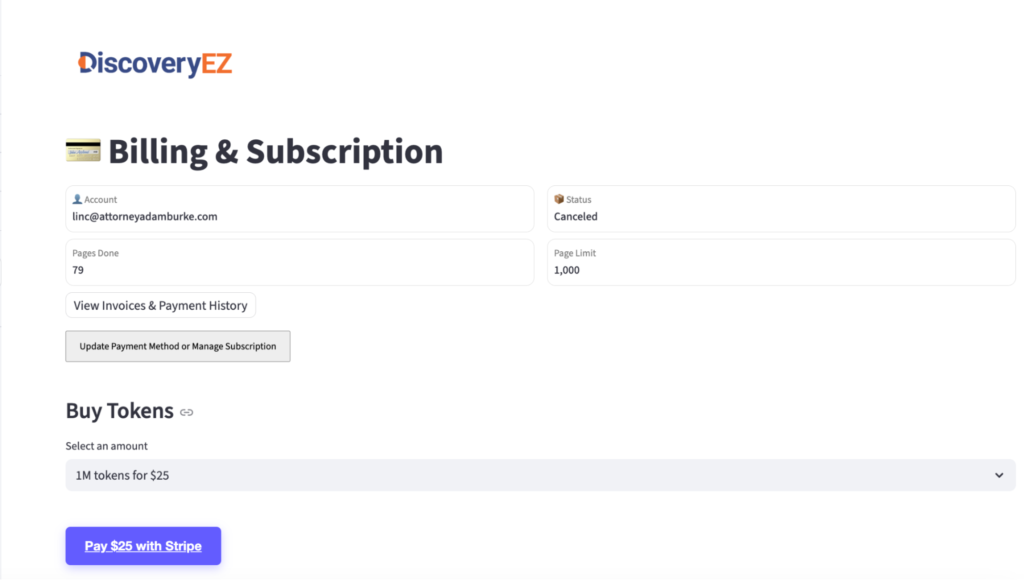
3. Open the Buy Tokens page
- In the Billing section, click “Buy Tokens”
4. Choose your currency
- Select the currency you want to pay with.
5. Enter your billing details
- Fill in your name, address, and payment information (card details, etc.).
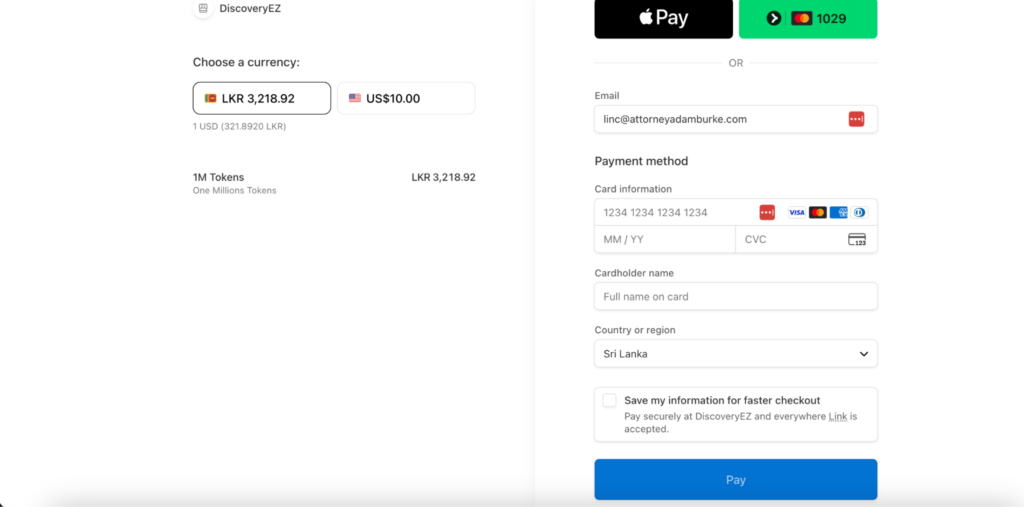
6. Pay and confirm
- Click “Pay” or “Checkout” to complete the purchase.
- After payment, your extra tokens will be added to your DiscoveryEZ account.